
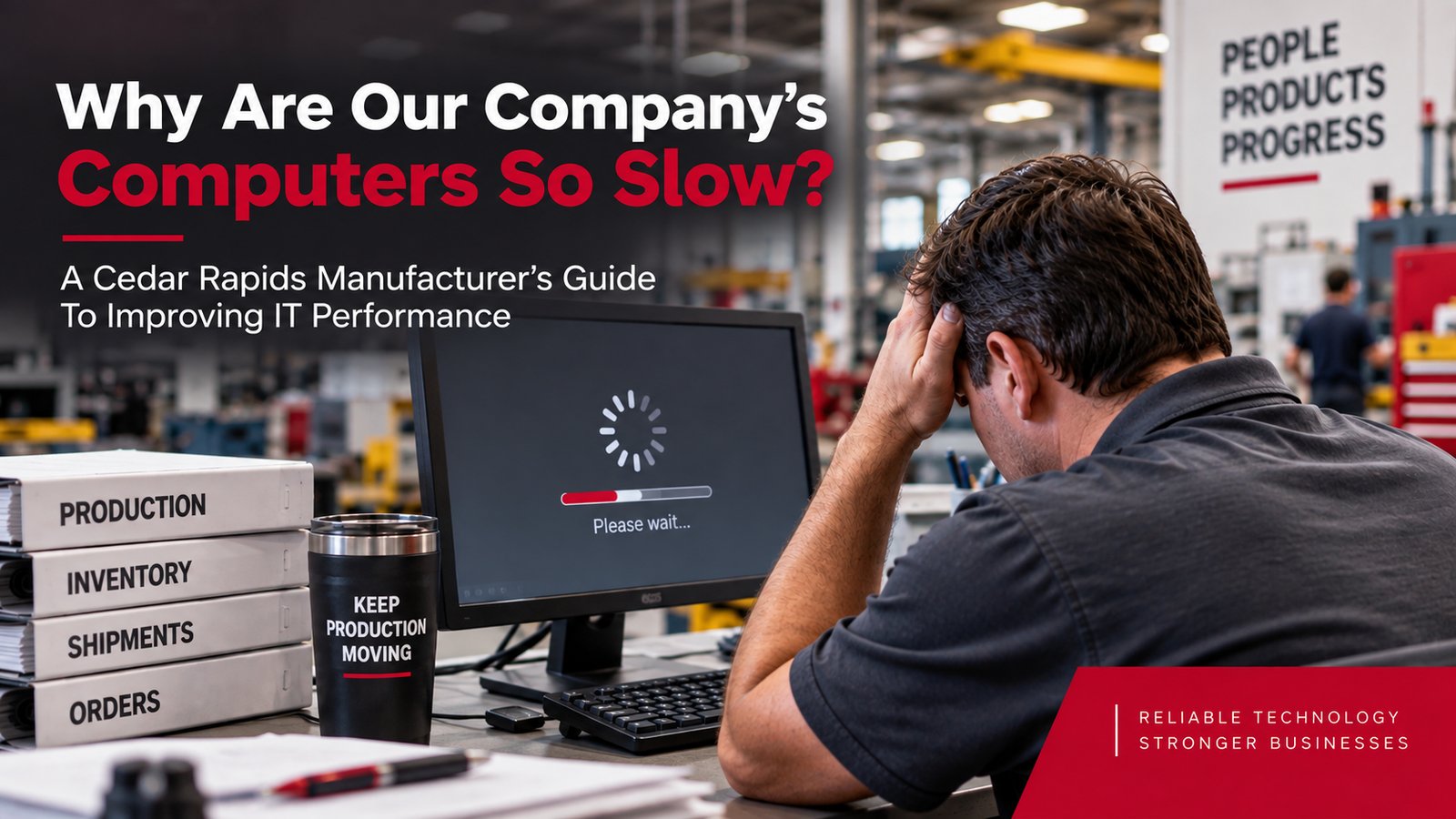
A Cedar Rapids Manufacturer's Guide To Improving IT Performance
By: Dan Roberts on 10/1/26
The ERP system takes forever to load.
Employees wait for spreadsheets and applications to respond.
Someone clicks on a file and watches the spinning circle instead of getting work done.
Eventually, somebody asks the question:
"Why are our computers so slow?"
For Cedar Rapids manufacturers, slow computers can be more than an everyday annoyance. When employees rely on technology for production scheduling, inventory management, purchasing, shipping, accounting, quality control, and customer orders, poor technology performance can quietly reduce productivity throughout the business.
Sometimes the problem is simple.
Sometimes it's a sign of a larger technology issue.
The challenge is knowing the difference.
Why Are Business Computers So Slow?
Business computers can become slow for many reasons, including aging hardware, too many programs running at once, limited memory or storage, software problems, network issues, and outdated technology.
The computer itself may not always be the problem. If several employees experience poor performance at the same time, the cause could involve an application, network, server, internet connection, or another part of the company's technology environment.
That's why diagnosing slow technology should begin with the simplest possibilities before moving into more complicated troubleshooting.
What Does RTS Check First When A Computer Is Running Slowly?
When a client tells RTS a computer is running slowly, the team starts with the basics before assuming there's a larger technology problem.
1. Have you restarted the computer?
It sounds simple because it is.
Restarting a computer can clear temporary processes, complete certain updates, and resolve minor performance problems. If a computer hasn't been restarted recently, this is often a sensible first troubleshooting step.
2. How old is the hardware?
Computers don't last forever.
As software becomes more demanding and operating systems change, older hardware may struggle to keep pace with the work employees are asking it to perform.
If the computer has been slowing down gradually over time, its age and capabilities are worth evaluating.
3. How many tabs and programs are open?
Yes, those 47 Google tabs may matter.
Employees often have a browser, email, spreadsheets, communication tools, industry applications, PDFs, and several other programs running simultaneously. All of those programs compete for the computer's available resources.
Closing unnecessary applications and browser tabs can sometimes make an immediate difference.
If those basic checks don't identify the problem, it's time to look deeper. Persistent performance problems may point to something beyond the individual workstation and require further investigation.
When A Slow Computer Isn't Really A Computer Problem
This is where troubleshooting becomes more important for a manufacturer.
If one employee's computer is slow, the workstation itself may be the logical place to start.
But what if everyone using the ERP system is complaining about performance?
What if accessing shared files is slow throughout the company?
What if employees experience problems only when using cloud applications?
What if performance drops at certain times of the day?
Those situations may point to a broader issue.
The cause could involve the network, internet connection, software, servers, cloud services, configuration, or another part of the technology environment.
Replacing a computer won't solve a problem that isn't being caused by the computer.
A good IT provider should investigate the underlying cause instead of repeatedly treating the symptom.
Why Slow Technology Matters In Manufacturing
A few extra seconds may not seem significant.
But manufacturing businesses perform thousands of technology-dependent tasks throughout the day. Small delays repeated across multiple employees and multiple systems can add up.
Manufacturers may rely on technology for:
- ERP and MRP systems
- Production scheduling
- Inventory management
- Purchasing
- Shipping and logistics
- Quality control
- Accounting
- Customer order management
- Vendor communication
- Shared documents and files
When these systems are consistently slow, employees begin adjusting the way they work.
They wait.
They retry tasks.
They close and reopen programs.
They ask coworkers whether their computers are having the same problem.
They may even create workarounds because dealing with the technology problem has become part of the normal workday.
That's when slow technology becomes a business problem.
How Much Productivity Can Slow Computers Cost A Manufacturer?
The cost of slow technology isn't limited to the time spent waiting for a screen to load.
Poor computer performance can interrupt concentration, slow workflows, create employee frustration, and make routine tasks take longer than necessary. When the problem affects multiple employees, those small delays can multiply across the organization.
For a manufacturer, the effects may reach beyond office productivity. Technology performance can influence how efficiently employees access production information, update inventory, prepare shipments, communicate with vendors, process orders, and complete administrative work.
The important question isn't simply, "Is this computer slow?"
It's:
"Is our technology slowing down the business?"
How Do I Know If Our Computers Need To Be Replaced?
A slow computer doesn't automatically need to be replaced.
Before purchasing new hardware, the cause of the performance problem should be identified. A relatively simple issue may be fixable without replacing the workstation.
However, aging computers can eventually become difficult to support effectively. They may struggle with newer software, lack the resources employees need, or create reliability and security concerns as hardware and operating systems age.
Rather than waiting until computers fail, businesses should have a hardware lifecycle plan.
That means knowing:
- How old each workstation is
- Whether it still meets the employee's needs
- Whether its operating system and software remain supported
- Which computers are approaching replacement
- How future replacements fit into the technology budget
Planned replacement is generally easier to manage than discovering on Monday morning that a critical employee's computer has finally stopped working.
Why Buying Faster Computers Isn't Always The Answer
When employees complain about slow technology, buying new computers can seem like the obvious solution.
Sometimes it is.
Sometimes it isn't.
A new workstation won't fix an unreliable network. It won't solve a poorly performing business application. It won't improve an inadequate internet connection, and it won't correct problems elsewhere in the technology environment.
This is why technology decisions should begin with diagnosis rather than assumptions.
Manufacturers should understand what's causing the performance problem before spending money to solve it.
Technology Performance Challenges For Cedar Rapids Manufacturers
Manufacturers in Cedar Rapids depend on increasingly connected technology environments. Production systems, administrative systems, cloud applications, vendors, remote access, and employees may all depend on the same underlying infrastructure.
As those environments grow, technology that worked well several years ago may no longer be appropriate for the business today.
Common warning signs include:
- Computers becoming progressively slower
- Applications frequently freezing or crashing
- Long login times
- Slow access to shared files
- Poor performance in ERP or other business applications
- Recurring internet or network problems
- Employees regularly restarting systems to get them working
- Different employees experiencing the same performance issues
- Increasing complaints about technology from staff
One isolated slow computer may be a workstation problem.
Persistent performance issues across the business deserve a closer look.
What Should A Cedar Rapids Manufacturer Expect From Its IT Provider?
A Cedar Rapids manufacturer should expect its IT provider to do more than respond when a computer stops working. A strong technology partner should help identify recurring performance issues, maintain the technology environment proactively, plan for hardware replacement, and make recommendations based on the operational needs of the business.
Root-Cause Troubleshooting
Repeatedly fixing the same symptom isn't a long-term solution.
If an application continually crashes or employees regularly complain about slow performance, the provider should investigate why the problem keeps happening.
Proactive Maintenance
Routine monitoring, updates, maintenance, and technology management can help identify issues before employees begin experiencing major disruptions.
Hardware Lifecycle Planning
Businesses shouldn't discover computers need replacement only after they fail.
Your IT provider should help you understand the age and condition of your technology and plan future replacements before they become emergencies.
Understanding Of Manufacturing Operations
Technology recommendations should account for how your business actually operates.
The computer used occasionally for basic administrative tasks may have very different requirements from a workstation supporting critical manufacturing applications.
Your IT provider should understand the difference.
Clear Communication
You shouldn't need to become an IT expert to understand what's wrong.
A technology partner should be able to explain the problem, the business impact, and the recommended solution in terms leadership can understand.
Frequently Asked Questions
Why are my company's computers running so slowly?
Business computers may run slowly because of aging hardware, too many applications running simultaneously, limited system resources, software problems, network issues, or other technology problems. If multiple employees are experiencing slow performance, the cause may extend beyond the individual computers.
Should I replace a business computer because it's running slowly?
Not necessarily. Slow performance should be diagnosed before replacing hardware. Sometimes a simple issue can be corrected, while other situations may indicate the computer is reaching the end of its useful life.
Can having too many browser tabs open slow down a computer?
Yes. Browser tabs use computer resources, and keeping many tabs open along with multiple business applications can affect performance, particularly on computers with limited available memory.
Why is our ERP system slow if our computers are new?
New computers don't guarantee fast application performance. Slow ERP performance may involve the application itself, network connectivity, servers, cloud services, configuration, or other parts of the technology environment. The underlying cause should be identified before additional hardware is purchased.
How often should a manufacturing company replace its computers?
There isn't one replacement schedule appropriate for every manufacturer or every employee. Hardware should be evaluated based on age, reliability, performance requirements, software compatibility, security support, and the role the computer plays in the business. A planned hardware lifecycle helps businesses budget for replacements before equipment becomes a problem.
What should we do if several employees complain about slow computers?
When multiple employees experience similar performance problems, look beyond individual workstations. The issue may involve a shared application, network, internet connection, server, cloud service, or another component used across the business. Your IT provider should investigate the common cause rather than treating each complaint as an isolated problem.
Stop Accepting Slow Technology As Normal
Technology tends to slow down gradually.
That's part of what makes the problem easy to ignore.
Employees adapt. They wait a little longer. They restart applications. They learn which computer takes forever to log in. Eventually, inefficient technology simply becomes part of the workday.
It doesn't have to.
For Cedar Rapids manufacturers, reliable technology supports productivity throughout the organization. When computers and business systems consistently slow employees down, it's worth finding out why.
At RTS, we start with the basics, identify what's actually causing the problem, and help businesses determine what is worth fixing, upgrading, or replacing.
If you're not sure whether your slow computers are a simple problem or a sign of something bigger, start with a free 10-minute Discovery Call. We can talk through what you're experiencing and determine whether a closer look at your technology environment makes sense.